
How to calculate calories in homemade food
Add up the ingredients, weigh the finished batch, and calculate the portion on your plate.
Read the guideCalorify is a calorie and macro tracker for iPhone. Log meals by photo, description, or hand, then review your food diary in one place.
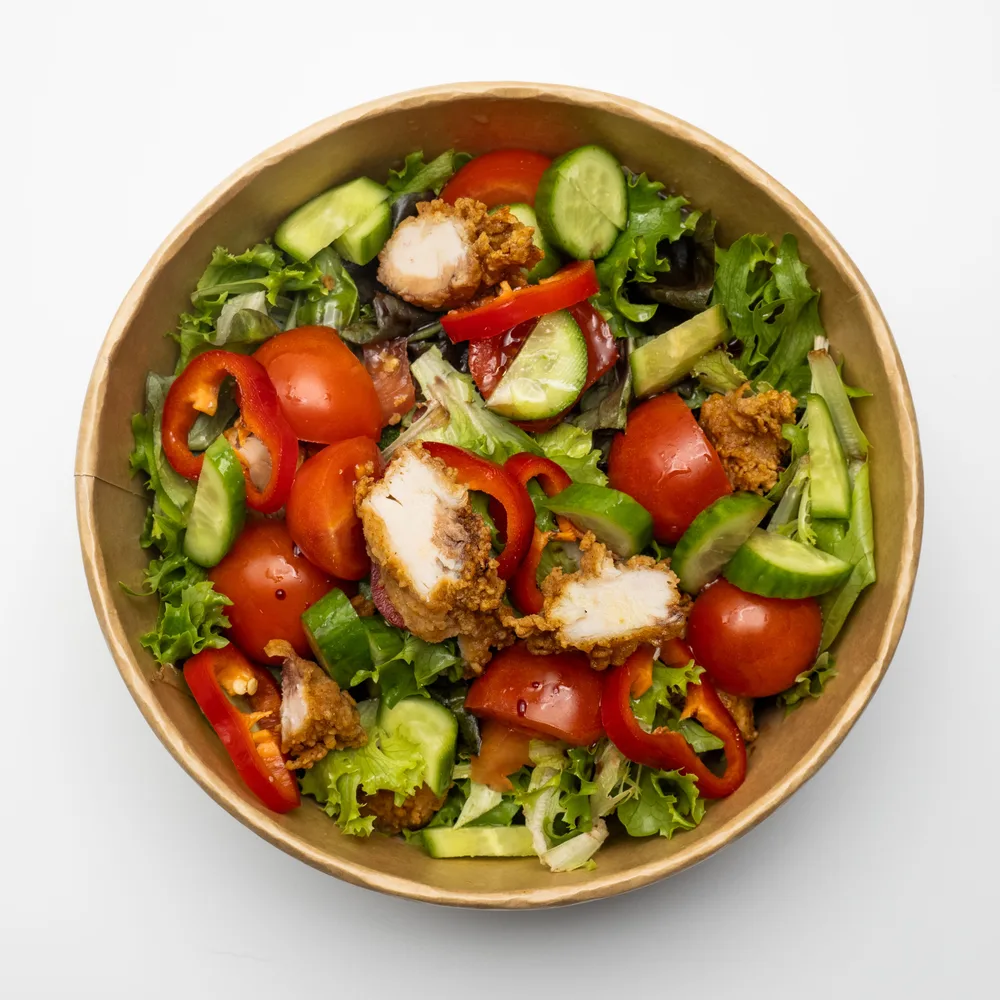 REAL FOOD. EVERYDAY MOMENTS.
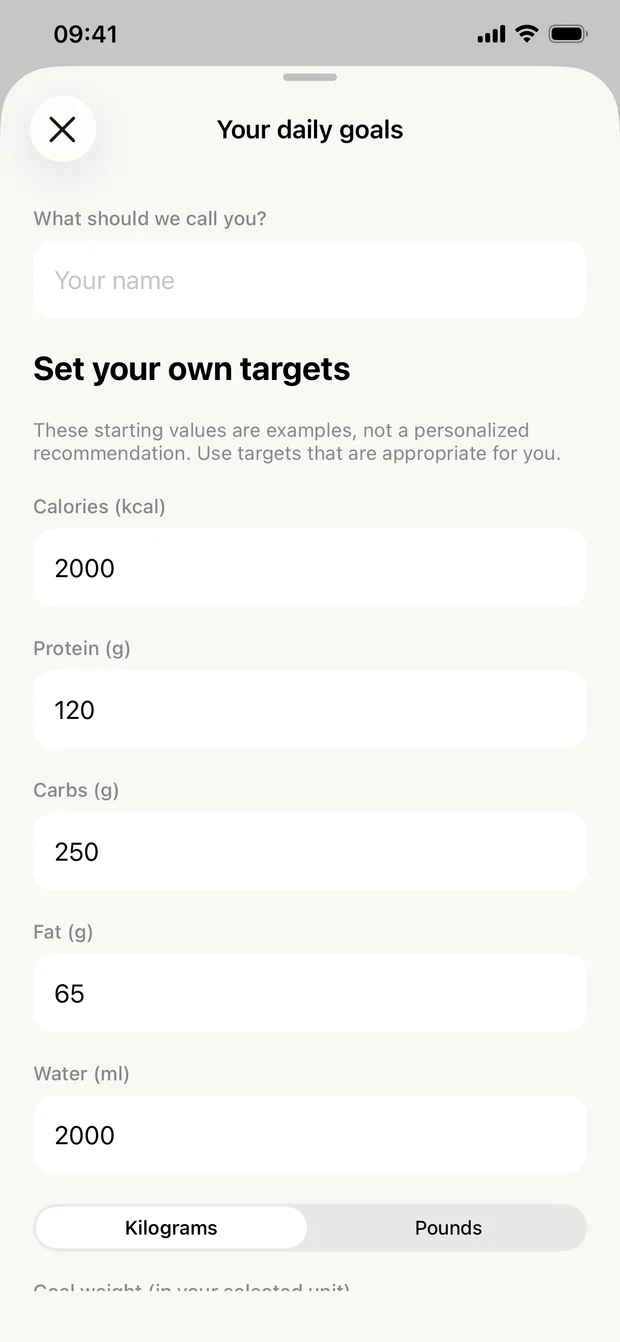
Bring your meals, macros, and daily habits into one simple view.
Take a photo, describe your meal, or enter it yourself. Review and adjust AI estimates before saving.
Follow your calories, protein, carbs, and fat. Set your own targets and keep water and weight entries together.
Turn a recipe link, a photo, or your own ingredient list into a saved recipe with calories and macros per serving. See how Recipes works.
Your diary stays on your device, with export and restore controls. Optional AI analysis sends your selected photo and description for processing.
Photograph your plate or describe it in a few words.
Calorify suggests foods, portions, calories, and macros.
You check them, adjust what looks off, and save.
| Topic | Manual entry | Photo or description |
|---|---|---|
| Starting point | Choose a matching food entry or use the package label. | Photograph or describe your meal to request an estimate. |
| Portions | Enter the amount you measured or estimated. | Check the suggested quantities and correct them before saving. |
| Useful context | A known product, measured ingredients, or a homemade recipe. | A visible meal, with notes about ingredients the photo cannot show. |
| What to review | Serving units, preparation, and the label values. | Food identification, hidden ingredients, portions, and nutrition values. |
Useful reads for the everyday questions.
Clear explanations. Practical examples.
Add up the ingredients, weigh the finished batch, and calculate the portion on your plate.
Read the guideStart with one meal, learn your portions, and make room for real life.
Read the guideUnderstand what a macro split means, without chasing a magic ratio.
Read the guideTrack calories, protein, carbohydrates, and fat; record meals, water, and weight; set personal targets; and review your history and logging streak.
Yes. The Recipes tab saves a recipe from an Instagram, TikTok, or YouTube link, a recipe website, a photo, or your own ingredient list, with estimated calories and macros per serving. See recipes in Calorify.
Take a photo or describe a meal to request an AI nutrition estimate. Review the foods, portions, and values, make corrections, and save the entry. Estimates can be inaccurate, especially for hidden ingredients or uncertain portions.
No account is needed. Your diary is stored locally on your device. See how Calorify keeps your diary private. If you request AI analysis, the selected photo and description are sent for processing as described in the app privacy policy.
No. Calorify is available on the App Store for iPhone and iPad (iOS or iPadOS 17.6 or later), Macs with Apple silicon, and Apple Vision Pro. Use the App Store link on this website to find the correct app from DEDUCTIFY, LLC.
No. Our articles explain general concepts and link to their sources. They are not medical advice or individualized meal plans. Consult a qualified professional for personal dietary guidance.
Make room for a little more awareness. Calorify helps with the rest.
Download on theApp StoreFor iPhone and iPad (iOS 17.6+), Mac with Apple silicon, and Apple Vision Pro